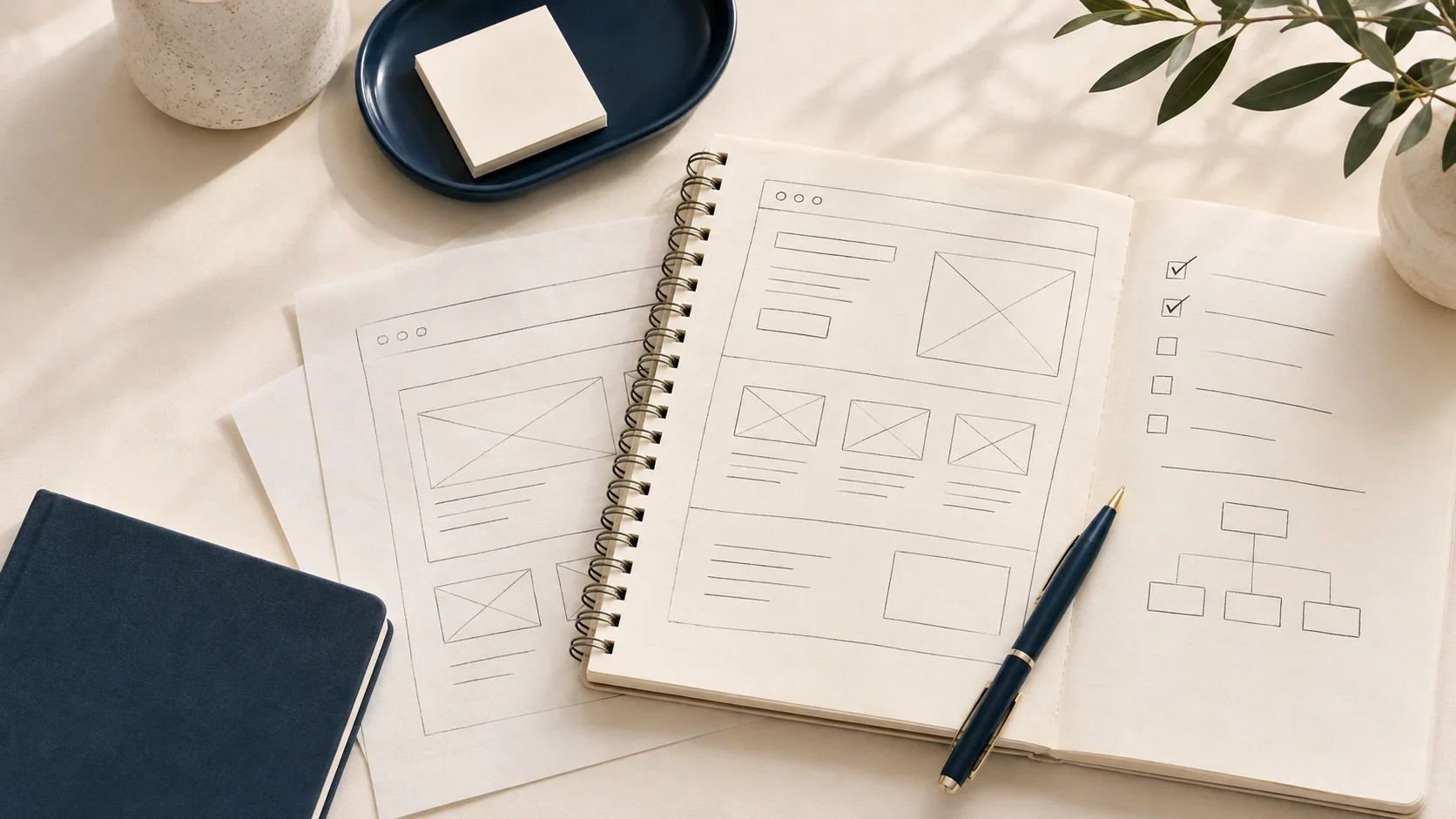
A website can look beautiful and still fail to deliver results.
After more than 11 years working in digital commerce and website optimization, I've learned that some of the most important decisions happen long before anyone starts choosing colors, imagery, or layouts.
They happen during conversations about business goals, customer behavior, SEO, and the steps someone needs to take before making a purchase or submitting an inquiry.
When a business owner says, "I just want a better website," my first question is: What does better actually mean for your business?
Because better design doesn't automatically mean better results.
A Successful Website Starts With Clear Business Goals
One of the most overlooked parts of website design is defining success before the project begins.
Business owners often approach a redesign because their website feels outdated or doesn't reflect their brand. Those are valid reasons to make improvements, but they don't explain what the website needs to accomplish.
"I want a better website" is too broad.
A more actionable goal might be:
I want customers to understand my services without contacting me for basic information.
I want visitors to move from the homepage to submitting an inquiry in three clicks.
I want to attract more qualified traffic through organic search.
I want to make it easier for customers to complete a purchase.
These goals give us something concrete to design around and measure.
At LD Strategy, conversations with business owners are one of the most important parts of my process. I want to understand their goals, what questions customers frequently ask, and where people might be getting stuck.
From there, we can design a website that supports both the customer experience and the business's objectives.
Your Customers Don't Always Speak Your Language
One lesson that has stayed with me throughout my career is that the terminology businesses use internally isn't always what customers understand or search for.
What the Wine Industry Taught Me About Website Content
During my corporate career in the wine industry, I worked with teams that had extensive product knowledge.
Naturally, we wanted to showcase that expertise through our website content.
The challenge was that we often used wine terminology that made perfect sense internally but wasn't familiar to the average customer.
We were speaking like wine experts when many of our customers were simply trying to learn more about wine.
As we shifted toward answering basic wine questions and creating educational content, we saw greater traffic to our informational blog posts. That traffic ultimately helped support sales and conversions.
The lesson wasn't to remove expertise. It was to make that expertise accessible to the people we were trying to reach.
If visitors need to understand industry jargon before they can understand what your business offers, there's an opportunity to simplify.
Why Keyword Research Should Influence Website Design
Business owners often have strong opinions about the terminology they want to use. But the phrases they think customers are searching for aren't always the phrases people actually use.
Keyword research helps bridge that gap.
Rather than relying on assumptions, we can use keyword tools to understand:
What words and phrases customers search for.
What questions they're trying to answer.
Whether they're researching or ready to buy.
Which topics offer opportunities for greater visibility.
This research should inform page headings, service descriptions, navigation, and blog content.
But there's another important consideration: search intent.
Understanding Search Intent Changes Your Content Strategy

Not every visitor is ready to make a purchase.
Some are gathering information. Others are comparing options. Some know exactly what they need and are ready to take action.
A successful website accounts for these different stages.
Informational vs. Commercial Search Intent
Informational searches typically come from people looking to learn something, such as:
How do I improve my website's SEO?
Why is my website loading slowly?
Commercial searches are more likely to come from someone evaluating a product or service, such as:
Website redesign services in Stamford, CT
SEO consulting services
Both are valuable, but they serve different purposes.
A service page should clearly explain what you offer and make it easy to take the next step.
An educational article should answer the visitor's question and establish your credibility.
Educational Content Can Support Sales Without Feeling Salesy
One mistake businesses make is assuming every page needs to generate an immediate conversion.
In my experience, educational content builds trust over time.
When a business consistently answers questions and shares helpful information, it becomes a resource customers recognize and remember.
When those customers eventually need a product or service, that business may already be top of mind.
That doesn't mean educational content shouldn't include a call to action. A natural CTA toward the end of an article can help readers explore a related service.
The key is making that transition feel helpful rather than forced.
The Customer Journey Matters More Than Visual Design
Another behind-the-scenes aspect of website design that deserves more attention is customer journey planning.
Before deciding how a website should look, I want to understand how someone will use it.
What information do they need first? What questions might prevent them from taking action? What should happen after they land on a page?
Most importantly, what is the end action we want someone to take, and how can we make it as easy as possible?
A Wellness Website That Needed Clarity Before a Redesign
I experienced this while working with a business in the wellness space.
Initially, the business owner was focused on incorporating niche terminology and specific imagery into the website.
Those elements mattered to the brand, but when we reviewed the website step by step and compared the experience with competitors, a bigger issue became apparent.
The customer journey was confusing, and the website wasn't making it easy for visitors to complete a purchase.
Instead of immediately rewriting copy or replacing imagery, we walked through the website from a customer's perspective.
As we navigated the experience, the business owner began recognizing the same obstacles a potential customer might encounter.
That shift helped us prioritize clarifying the customer journey before investing time in visual changes.
Sometimes the most valuable design work happens before the design begins.
Mobile Design Should Be a Priority, Not an Afterthought
Another area businesses underestimate is mobile usability.
A website might look polished on a desktop, but that doesn't mean it translates well to a phone.
In today's mobile-first environment, websites should be designed with mobile users in mind from the beginning, rather than treating mobile as a smaller version of the desktop experience.
Three Things I Look for on Mobile Websites

When reviewing a mobile website, I pay particular attention to:
Button placement: Are important actions easy to find and tap?
Clear calls to action: Can visitors immediately understand what to do next?
Page speed: Does the website load quickly enough to keep visitors engaged?
These details can significantly influence the customer experience.
If visitors can't figure out where to click, don't understand the next step, or have to wait for a page to load, they may leave for a competitor.
One exercise I recommend is opening your website on your phone and attempting to complete the same action you want customers to take.
Don't just look at the design. Try submitting an inquiry, booking an appointment, or completing a purchase.
If you find yourself getting frustrated, your customers might be experiencing the same thing.
Website Optimization Can Improve More Than Conversions
Website optimization isn't just about traffic, design, or conversion rates. Sometimes the biggest improvements happen behind the scenes.
How Simplifying a Review Process Increased Customer Reviews
During my corporate career, I was responsible for improving the customer review experience.
The existing process was cumbersome, making it harder than necessary for customers to leave feedback.
Our goal wasn't simply to redesign the review section. We wanted to simplify the customer journey while improving how the business managed reviews.
We ultimately migrated our reviews platform from Bazaarvoice to Yotpo.
That change helped us achieve:
A more streamlined customer review experience.
A 250% month-over-month increase in review count.
Significant cost savings.
The ability for customer service to respond to reviews in real time.
A more engaging review lifecycle overall.
The outcome wasn't simply a better-looking website element.
We improved the customer experience while creating operational efficiencies for the business.
Most importantly, we could measure success against the goals established at the beginning of the project.
How Do You Know If Your Website Redesign Was Successful?
A successful website redesign shouldn't be measured solely by how much someone likes the finished design.
It should be measured against the business goals that led to the project.
If the goal was to generate more inquiries, are more visitors contacting you?
If the goal was to increase organic traffic, are the right pages attracting relevant visitors?
If the goal was to improve the customer journey, are people completing important actions more easily?
The metrics will differ for every business.
That's why establishing goals before making changes, and measuring performance afterward, is so important.
A redesign isn't automatically successful because it launched on time or looks more modern.
It's successful when it makes measurable progress toward what the business wanted to achieve.
What I Recommend Before Investing in a Website Redesign
If you're planning a new website or redesign, my biggest piece of advice is to get specific about your goals before anything else.
Think beyond what you want your website to look like and consider what you need it to accomplish.
Start by asking yourself:
What are the three most important outcomes I want?
What questions do customers frequently ask?
What language do customers actually use to find my services?
What actions do I want visitors to take?
Can customers complete those actions easily on mobile?
How will I measure whether the changes are working?
You don't need every answer figured out before starting a project. But these conversations often uncover opportunities that would otherwise be overlooked.
The Best Website Designs Start With Strategy
When people think about website design, they often picture the finished product: colors, fonts, photography, and layouts.
Those elements matter, but they're only part of what makes a website effective.
The behind-the-scenes work of understanding business goals, researching customer language, planning the journey, considering search intent, and optimizing mobile usability is what helps turn a website into a tool for business growth.
After more than a decade working on websites, my biggest takeaway is simple:
A website shouldn't just look good. It should make it easier for customers to understand your business, trust what you offer, and take the next step.
That's the philosophy behind how I approach website design and optimization at LD Strategy.
If you're considering a new website or redesign, explore LD Strategy's website design services to learn how we can help create a clearer, more effective experience for your customers.